 29 September 2026 · Updated 30 September 2026
Google Business Profile or a website: why you need both
What your Google listing does and what it cannot do, and why businesses with only the listing lose customers who had already found them.
The listing gets you found
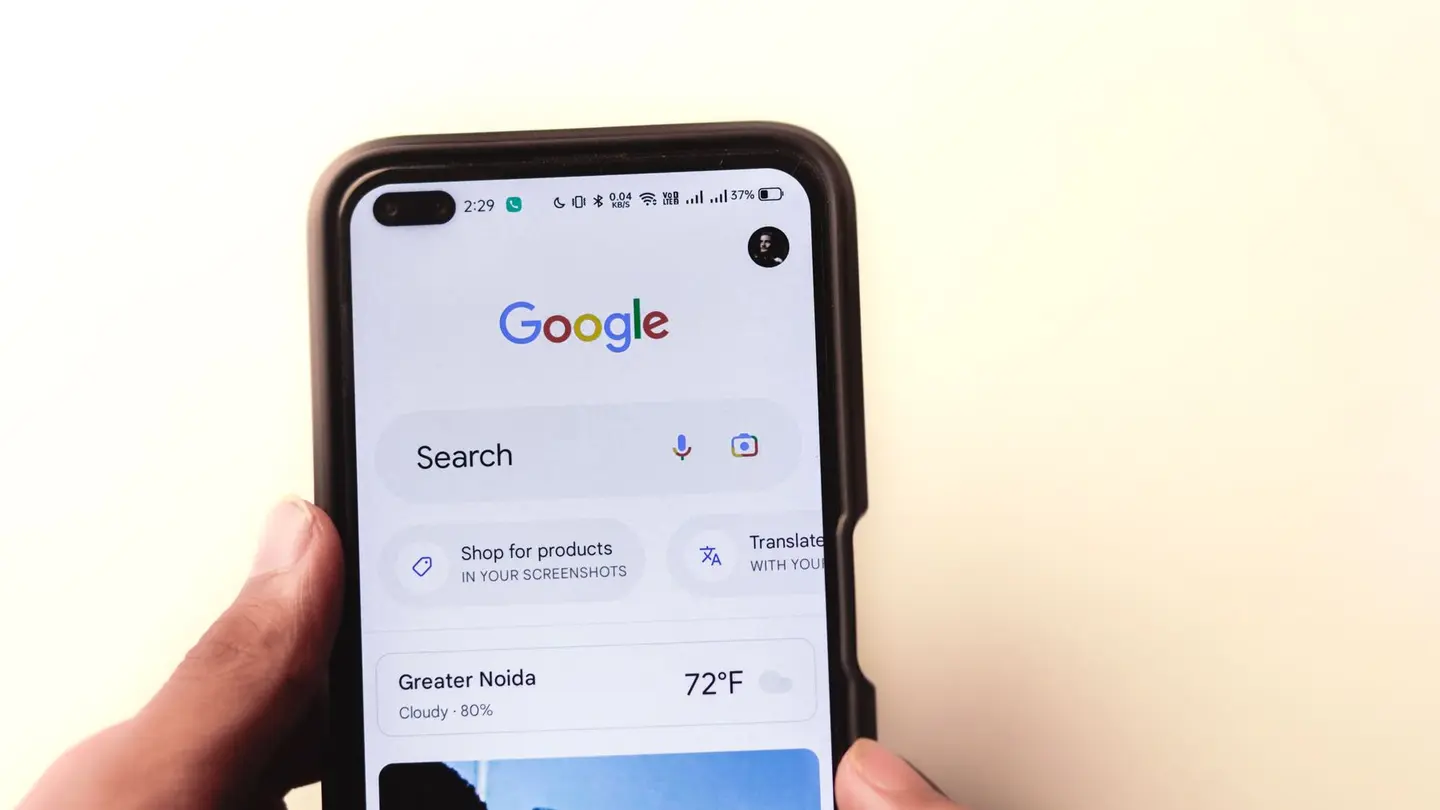
Your Google listing is what shows up on the map when someone searches for your trade nearby: name, stars, opening hours, phone number and directions. For what it is, it is unbeatable, and it is free too. Every business that serves an area should have one, verified.

 Keep readingHow to get customers online for your small business
What the listing does not do
The listing has the format Google decides, and that format has room for almost none of what convinces someone who is comparing:
- Your services one by one, with what they include and what they cost.
- What sets you apart from the business next door: how you work, who you are, photos of finished jobs.
- A page for each area where you really work, with what is specific to it, which is what answers «plumber in Getafe» when your premises are not in Getafe.
- A form with the questions that save you the call: square metres, type of work, urgency.
- Your bookings: the customer sees the free slot and takes it, without calling.

What happens when you only have the listing
Someone who finds you on the map and taps «Website» finds nothing, or finds a Facebook page whose last post is two years old. They had already found you; you lose them at the last step.
And there is one more reason: the website also helps the listing show up. A page per service and another for each area where you work, each with its own content, give Google reasons to connect you with those searches. We explain it in how to show up on Google Maps.
 Keep readingGoogle Business Profile: what it is and what it should include
How they connect
On the listing, the «Website» button points to your website, and the booking button, if you have one, to the page where people book. On your website, the same name, the same address and the same phone number as on the listing, written the same way: Google cross-checks the data, and when it does not match it doubts which one is right.
Frequently asked questions
Which is better for my business, a Google listing or a website?
Both, because they do different things: the listing gets you found on the map and the website is where customers see everything and book or write to you.
What do I lose if I only have a Google listing?
The person who has found you and wants to know more: your services with prices, your work, how to book. If they tap «Website» and there is nothing, they move on to the next one.
How do I connect my website to my Google listing?
Put your website address in the listing’s «Website» field and, if you take bookings, in the booking one. And use the same name, address and phone number on the website as on the listing.
Related pages
More articles

How to verify your business on Google, step by step
Step by step, what to film in the video, how long it takes, what to do if the code does not arrive and if someone else owns the listing.
Read the article →
How to create a website for your business, step by step
The steps in order, from deciding what the website is for to submitting it to Google, and the three ways to build it: WordPress, a website builder or an agency.
Read the article →
Why your small business needs a website (and when it doesn’t)
What a website does that a Google Business Profile and Instagram don’t, when you need one, when you can wait, and what it has to include to be any use.
Read the article →Your website, live in minutes
Free until your first customer or 6 months · No card · No commitment · Live in minutes