 17 September 2026 · Updated 29 October 2026
Google Business Profile: what it is and what it should include
What Google Business Profile is (formerly Google My Business), what a well-built business listing includes, how to connect it to your website and get reviews.
What it is and why it shows up before your website
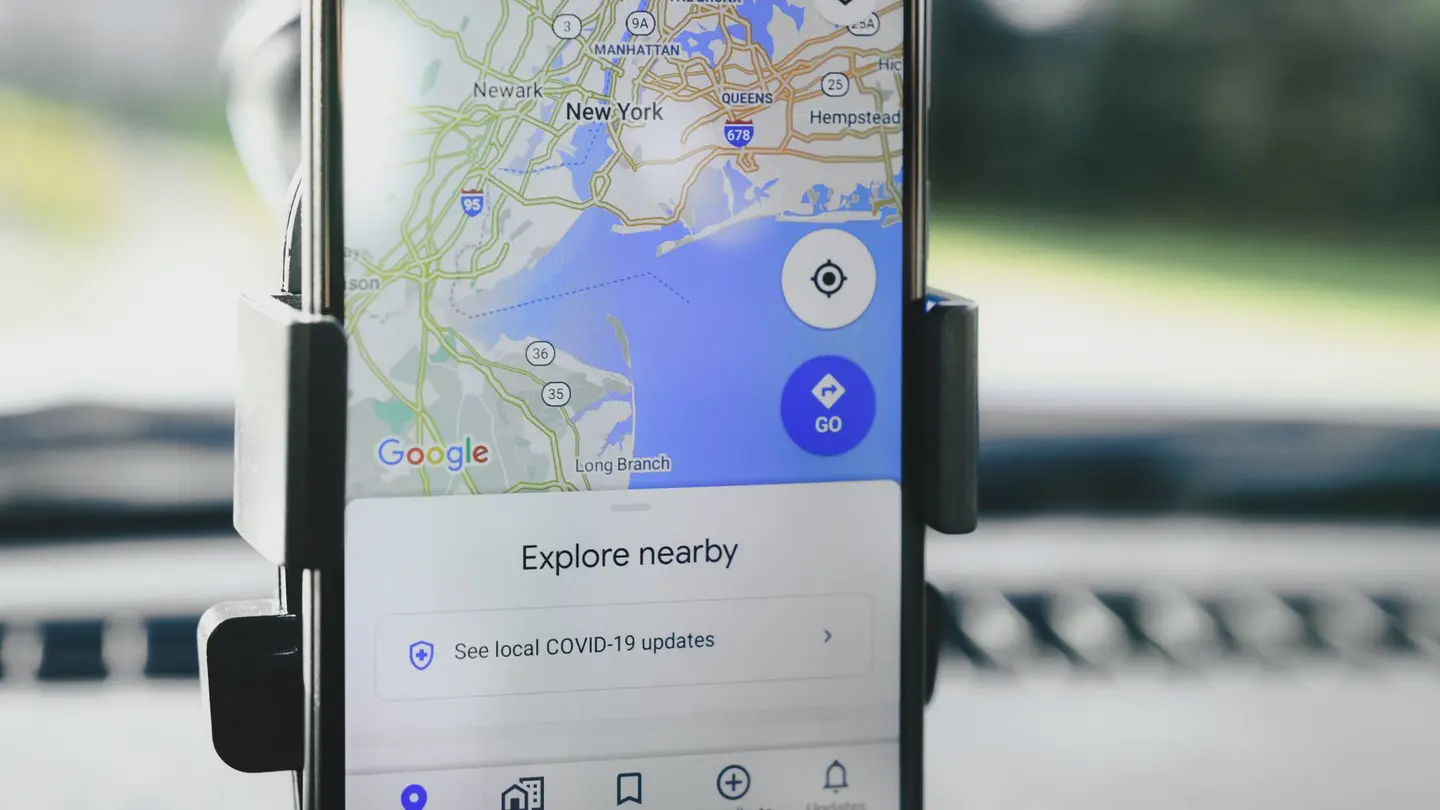
When someone searches for «physiotherapist near me» and a map appears with several businesses pinned on it, that is Google Business Profile, formerly called Google My Business. It is free, Google runs it directly, and it is different from your own website: one does not replace the other.
The Business Profile usually appears before any normal web result in searches with local intent, so it is one of the first things someone sees when they look for a business near where they are.

What a well-built Google business listing includes
Your Google business listing —the Business Profile, by another name— is filled in once and reviewed every few months. The exact name of the business, the address, the phone number and the real opening hours —not the ones entered three years ago—, the right business category, some of your own photos instead of the ones Google adds by default, and customer reviews, which are what people look at most when deciding between several similar options.
The category is the one most often got wrong: it has to be what you do, not your sector in general. «Physiotherapist» and not «Health centre»; «Locksmith» and not «Hardware store». You can add secondary ones, but the main one decides which searches you appear on the map for. And the description, in your own words: what you do, for whom and in which area, with no links or offers, which Google does not allow.
 Keep readingHow to get customers online for your small business
Signing up and verification, in two lines
You sign up at google.com/business with a Google account. Google asks you to prove that the business is real and that whoever manages it has access to it, usually with a code it sends by post to the business address, although in some cases it offers verification by phone or video. The methods one by one, what to do if the code does not arrive and why a listing gets rejected are in how to verify your business on Google.
Once verified, you can update your hours, upload photos, reply to reviews and post updates —an offer, a one-off closure— straight from your phone.
How it fits with your website
The Business Profile gives you instant visibility on the map, but it is a listing in the format Google decides, not a place where customers can see all your services with their prices or book directly. The usual approach is to use both: the profile so people find you, and a link from there to your own website, where they actually book or buy.

How to connect your website to your Business Profile
The connection goes both ways and takes ten minutes. What matters is not just adding the link: it is that the profile and the website say the same thing.
- On the profile, the «Website» field with your website’s address, on your own domain if you have one.
- If your category allows it, the link to book an appointment, pointing to the page where people book.
- The name, address and phone number written the same way on the profile and on the website: Google cross-checks the data and, when it does not match, it doubts which one is right.
- The same opening hours in both places, including bank holidays and holiday closures.
- The same services with the same names, so the listing and the website talk about the same thing.
- And on your website, a link to leave a review on your profile: existing customers reach it from there.
How to get your first reviews
A listing with no reviews gets skipped. The first ones come from the customers you already have: ask right after the service, with the direct link the profile itself gives you under «Ask for reviews», and ask everyone, not only the ones you know are happy. No gifts or discounts in exchange, and no reviews from relatives: Google forbids it and can delete them all at once.
Reply to all of them, the bad ones too, calmly and without the customer’s personal details. Here is the full guide, with a message that works.
 Keep readingGoogle Business Profile or a website: why you need both
What it costs, and a warning
Google Business Profile is free: you pay nothing to sign up, to verify or to appear on the map. If someone calls saying they are from Google and offers to verify your listing or push you up the map for a fee, be wary: Google does not sell places on its map or charge to verify.
Keep reading
Each step has its guide: how to verify your business on Google step by step and what to do if the code does not arrive; how to get reviews without breaking Google’s rules; how to show up on Google Maps when people search for your trade; and why you need both the listing and the website.
Frequently asked questions
What is Google Business Profile?
The free listing for your business that shows up on Google Maps and in search, with your address, opening hours, phone number, photos and reviews. It used to be called Google My Business.
How much does Google Business Profile cost?
Nothing: creating and verifying it is free. Be wary of anyone who charges you to «verify» you or to improve your position on the map for money.
Do I need a website if I already have a Google listing?
It is best to have both: the listing gets you found and the website is where customers see all your services and book. The listing links to the website.
What is a Google business listing?
It is another name for the Business Profile: your business’s listing that appears on Google Maps and beside the search results, with the name, category, opening hours, phone number, photos, reviews and the link to your website.
Related pages
More articles

Why your small business needs a website (and when it doesn’t)
What a website does that a Google Business Profile and Instagram don’t, when you need one, when you can wait, and what it has to include to be any use.
Read the article →
How to rank your website on Google if you are self-employed
What really moves a small website on Google, with no tricks or guarantees: pages that answer searches, titles, your profile, reviews, measuring and patience.
Read the article →
How to get locksmith customers without paying for every lead
Google Business Profile, phone and WhatsApp in plain sight, pages per town, reviews and the customers who call back all year round.
Read the article →Your website, live in minutes
Free until your first customer or 6 months · No card · No commitment · Live in minutes