 29 September 2026
How to get Google reviews without asking for favours
When to ask for the review, how to do it in one message, how to reply to bad ones and what Google forbids and can cost you your listing.
Ask on the spot, not a month later
Most happy customers do not leave a review for a very simple reason: nobody asked, or they were asked when they no longer remembered. The best moment is right at the end: when the door is opened, when they leave the consultation, when the car is handed back.
And you ask with a direct link, not by saying «look us up on Google and leave us a review». Every extra step someone has to take is one less customer who leaves it. You get the link from the Business Profile itself, under «Ask for reviews».
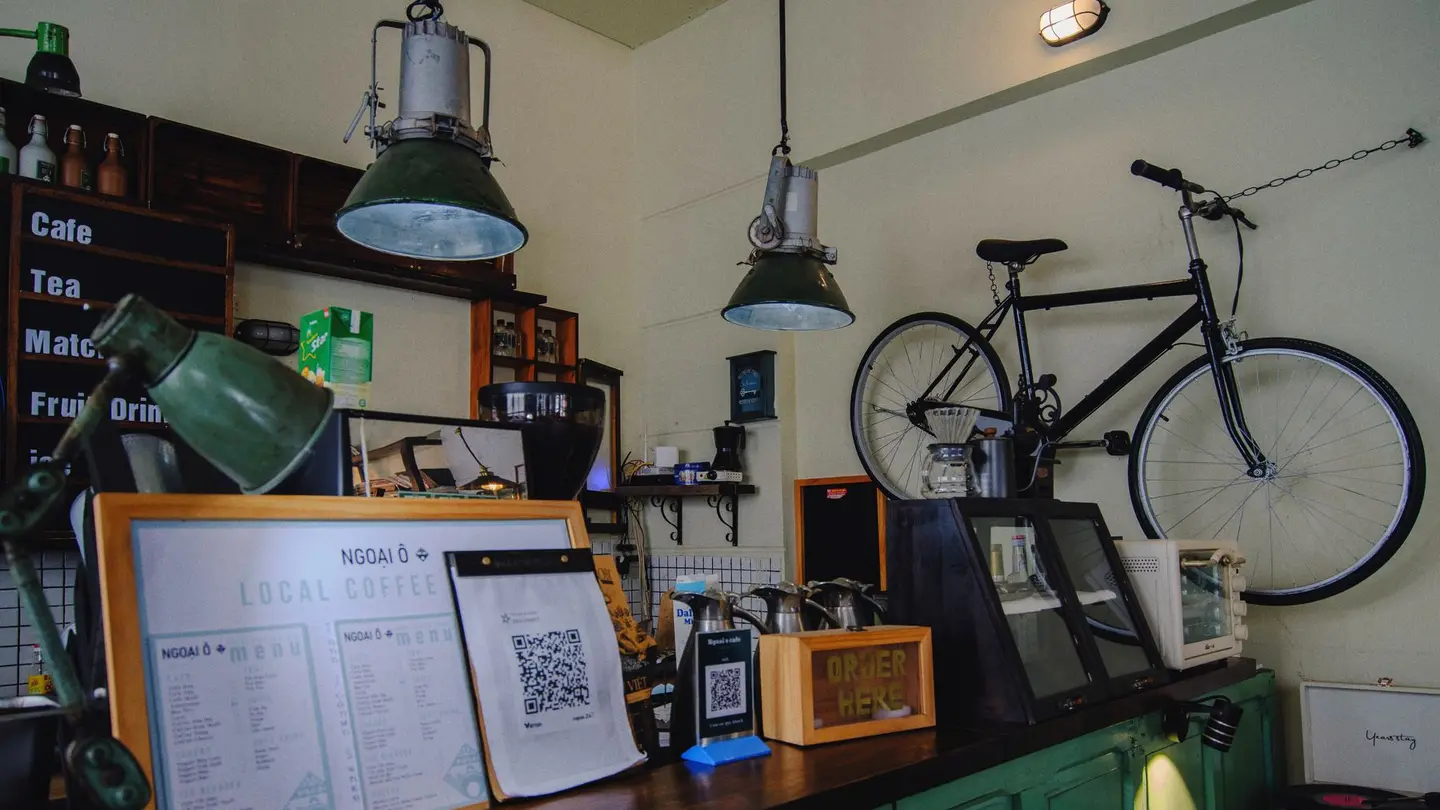
A message that works
Short, with their name, and without pressure. Something like: «Hi Laura. Thanks for coming in today. If it went well, it really helps us if you say so on Google; it takes a minute», plus the link. It works better on WhatsApp than by email, because it gets read straight away.
What you do not do is ask only the people you know are happy and not the rest. Google calls it review gating and it is against its rules.
 Keep readingHow to respond to Google reviews, with examples
What Google forbids, and what it costs
Some practices look innocent and can end with the listing suspended or the reviews deleted all at once:
- Giving something in return: a discount, a gift, a prize draw among those who leave a review.
- Reviews from relatives, employees or friends who have not been customers.
- Buying reviews, or writing them yourself from other accounts.
- Asking for the review to be five stars.

How to reply to bad reviews
All of them, and quickly. People who read a bad review mostly look at the reply: if it is polite, specific and makes no excuses, the review loses almost all its weight. If it is an argument, it gains it.
A reply that works says three things: that you are sorry about what happened, what has been done or will be done, and how to get in touch to put it right. No customer details, no half-admitting they are right, no counter-attacking.
And you reply to the good ones too: it is the cheapest way to show there is someone behind the listing.
 Keep readingHow to get customers online for your small business
And put them on your website
Google reviews stay on Google. Copying the best ones onto your own website, with the name of who wrote them and where they come from, means that people who arrive straight at your website see them too. Only genuine ones, exactly as they were written.
Frequently asked questions
How do I get more Google reviews for my business?
Ask right after a good service, with the direct link to leave the review. A short, personal message works better than a sign.
Can I pay or give something in exchange for a Google review?
No: Google forbids offering anything in exchange for reviews and can remove them or penalise the listing. Nor can you ask only happy customers.
Should I reply to negative reviews?
Yes, calmly and without arguing: thank them, explain whatever is needed and offer to put it right. People reading the review pay more attention to the reply than to the complaint.
How to verify your business on Google →
Related pages
More articles
Google Business Profile: what it is and what it should include
What makes you show up on Google Maps with your hours, photos and reviews, and how to make the most of it alongside your website.
Read the article →
How to get locksmith customers without paying for every lead
Google Business Profile, phone and WhatsApp in plain sight, pages per town, reviews and the customers who call back all year round.
Read the article →
How to promote your website without spending on ads
Put it where people already see you, register it with Google, get links from your area, write about what you’re asked and measure what works before paying for ads.
Read the article →Your website, live in minutes
Free until your first customer or 6 months · No card · No commitment · Live in minutes