 24 October 2026
How to get your business recommended by ChatGPT, Gemini and Perplexity
What ChatGPT looks at before recommending a local business, what you can do this week and what nobody controls. No tricks, no promises.
How ChatGPT decides which business to recommend
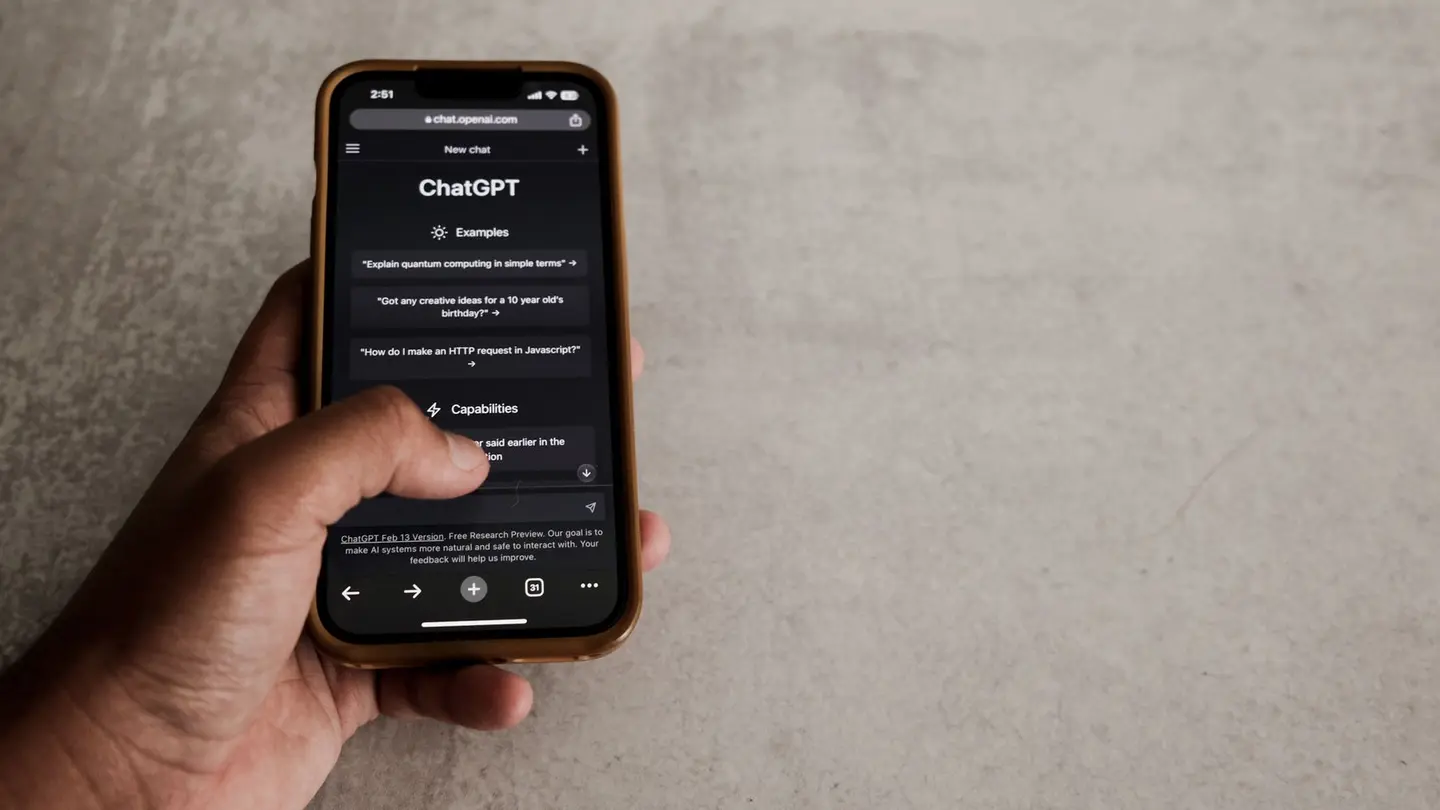
More and more people don’t type “plumber Getafe” into Google: they ask ChatGPT “which plumber in Getafe would you recommend for an urgent leak?”. And ChatGPT answers with two or three names. To show up in ChatGPT you have to be one of those names, and there’s no sign-up form or ad that buys you a place.
When the question is about a business in a particular area, ChatGPT almost always searches the web right then: it reads websites, map listings, directories and reviews, and sums up what it finds. Gemini, Perplexity, Copilot and Claude do the same with their own search engines. So the real question is this: when an AI searches for your trade in your area, does it find something clear about you?
It recommends the business it can say with confidence what it does, where it works and why it’s good, and that is also named the same way in several places. That’s what the rest of this guide is about.

Step 1: make sure your website can be read
It sounds obvious, and it’s where most businesses fail. An AI reads text: if your services and prices are in a photo, a PDF or inside an animation, as far as it’s concerned they don’t exist. Check these four things:
- That your website’s robots.txt file doesn’t block AI crawlers: GPTBot and OAI-SearchBot (ChatGPT), ClaudeBot (Claude), PerplexityBot (Perplexity) and Google-Extended (Gemini). Some templates and security plugins block them without telling you.
- That your services, area, opening hours and prices are written as text, not only in images.
- That the site loads its content without the visitor having to click or wait for an animation.
- That every important service has its own page, with its own address, instead of everything being piled onto the home page.
Step 2: say clearly what you do, where and for whom
AIs quote sentences that answer a question without needing anything around them. “We do renovations” is no use to them; “We renovate complete bathrooms and kitchens in Getafe, Leganés and Fuenlabrada, with a fixed quote within 48 hours” is. Write the first line of every page like that: what you do, where, and what sets you apart, before any introduction.
Add a frequently asked questions section with the questions people ask you on the phone, worded the way a customer would say them (“how much does it cost to replace a bathtub with a shower tray?”), each with a two- or three-sentence answer. It’s the format ChatGPT and Google’s AI summaries pick up best.
And structured data: invisible code on your website that says, in machine language, that you’re a local business, with your name, address, phone number, opening hours and services. Visitors don’t see it, but it saves the AI from guessing.
 Keep readingLead generation: what it is, with examples for small businesses
Step 3: get other sites to say the same thing about you
An AI trusts what several sources confirm. If your website says you’re in Getafe, your Google Business Profile says Madrid and a directory has your old phone number, the AI hesitates and names someone else. Use the same name, the same address and the same phone number everywhere:
- Your Google Business Profile, complete and verified.
- Bing Places and Apple Business Connect: these are Microsoft’s and Apple’s maps, and their data is used by assistants that aren’t Google’s.
- Directories for your sector and your area, professional associations and local business associations.
- Local press, and the websites of suppliers or businesses you work with, if they mention you.
Step 4: reviews that actually say something
Reviews are one of the things AIs read most when deciding whether to recommend someone. The star rating isn’t enough: a review that says “He came within an hour, fixed the bathroom leak and charged what he said he would” gives the AI the exact sentence to justify recommending you. Ask all your customers for reviews and, if you can, suggest they mention what you did for them and where. How to ask without making it awkward is in how to get Google reviews, and how to reply to them in how to respond to Google reviews.

And don’t forget Bing
This is the step almost nobody takes. When ChatGPT searches the web it relies on search engines, Microsoft’s among them, and Copilot belongs to Microsoft outright. Add your website to Bing Webmaster Tools, which is free and can be imported from Google Search Console in two clicks, and submit your sitemap. If Bing doesn’t know your website, the assistants that draw on it will have a harder time finding you.
How to check whether you already show up in ChatGPT
Ask it the way a customer would, and in several ways: “which hairdresser would you recommend in Écija?”, “I need an inheritance lawyer in Seville”, “who does cheap house moves in Valencia?”. Use a new conversation or don’t log in, so it doesn’t draw on what it already knows about you. Note down whether you appear, in what position and what it says about you.
Ask the same questions once a month: the answers change, and what matters is the trend. And check your analytics: the links ChatGPT gives arrive at your website with “chatgpt.com” as the source, so you can count how many visits it sends you.
 Keep readingHow to create a website for your business, step by step
What doesn’t work
Stuffing your website with repeated keywords, publishing a hundred identical machine-written articles or making up reviews doesn’t help, and the last one can cost you your Google Business Profile. Nor is there anyone who can guarantee you’ll show up in ChatGPT: whoever promises it for a monthly fee is selling you the same thing people were selling with Google twenty years ago. What works is boring and shows after a few months: a clear website, the same details everywhere and customers who speak well of you.
With Agendra
Agendra websites let the ChatGPT, Claude, Perplexity and Gemini crawlers in, and each one has its own llms.txt: a clean-text summary of what you do, where and at what price, written for an AI to read. They include local business structured data, a page for each service and each town, and frequently asked questions on every one. What we don’t do is promise you a place in ChatGPT, because nobody can promise that.
What you do see is how you’re doing: in your dashboard, under Rankings, we ask an AI with web search what your customer would ask it, and tell you whether it names you and who it names instead. More in GEO for your business.
Frequently asked questions
Can you pay to appear in ChatGPT?
There’s no way to pay for ChatGPT to recommend you in its answers. It names you if it finds clear, consistent information about you on your website, on maps, in directories and in your reviews.
How do I know if ChatGPT recommends my business?
Ask it like a customer would, in a new conversation: “which hairdresser would you recommend in my city?”. Ask the same questions every month and check your analytics for visits coming from chatgpt.com.
How long does it take for my business to appear in ChatGPT?
When ChatGPT searches the web, it can find a new website as soon as search engines have it. Getting it to recommend you ahead of others takes as long as ranking on Google: months, and with no guarantees.
See whether AI recommends your business →
Related pages
More articles
How to get customers online for your small business
The quick wins (Google profile, WhatsApp, reviews, referrals), the slow one (Google search), advertising and the follow-up that closes sales.
Read the article →
Google Business Profile or a website: why you need both
What the listing does, what it cannot do, and why having only one of them loses you customers.
Read the article →
How to promote your website without spending on ads
Put it where people already see you, register it with Google, get links from your area, write about what you’re asked and measure what works before paying for ads.
Read the article →Your website, live in minutes
Free until your first customer or 6 months · No card · No commitment · Live in minutes