


Your menu, pasted in as it is
Starters, mains and desserts, each dish with its price and description. You write one line per dish, so the menu you already have on your computer can be pasted in whole.
Your menu with its prices and allergens, the set menu of the day, kitchen hours and tables that book themselves. No more answering the phone in the middle of service.
Free until your first customer or 6 months · No card · No commitment · Live in minutes
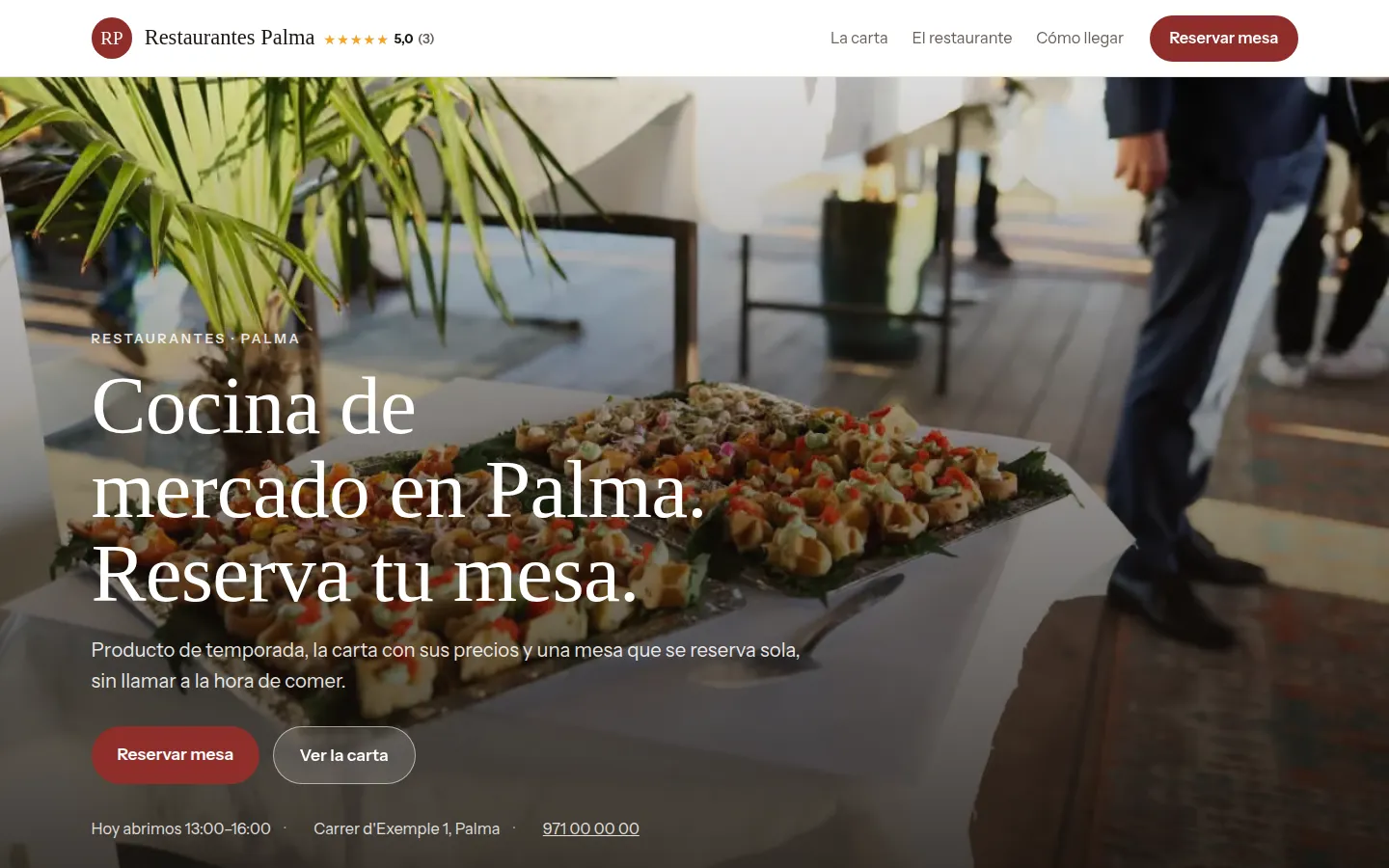
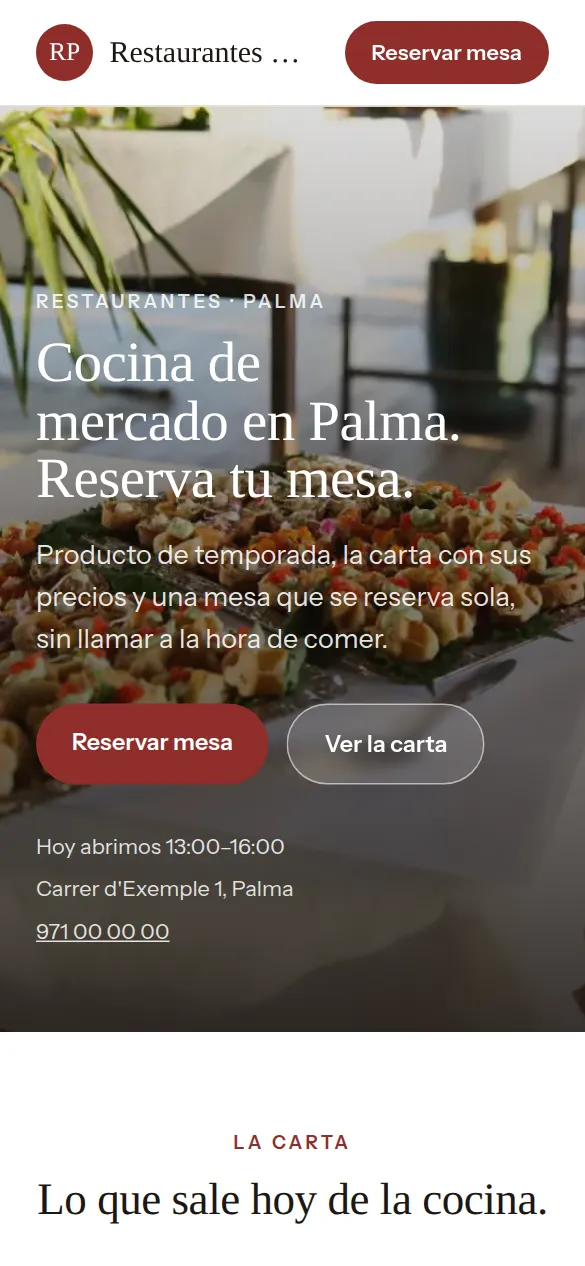
These are not drawings: it is the sample website for restaurants, live right now, and you can switch design with one click without losing anything you have written.
Some look for it as an online booking calendar for restaurants, some type “create a website with online bookings” and some search for “appointment software”: here it is the same thing.
It works just the same if your business is called bar or restaurant: it is the same software and the same website.
With their name and their website, so you can check. Translated from Spanish.
“We wanted a clean website to show our cars and make it easy for people to contact us. Agendra solved it for us with no hassle and no big costs.”
 Miguel Ángel GómezMAG Import Cars
You pick restaurants from the list, your website’s name and your phone number, and the website is created with what a business like yours offers (2 people, 3 or 4 people, 5 or 6 people and group of 7 or more), which you replace with your own from the dashboard.
Thirty-six designs and your colour, with your restaurant website alongside while you choose. When you finish, it is already live.
This is the dashboard of your restaurant website, with a full calendar.

Before booking, everyone looks at the menu. If it isn’t online, they either call to ask or go somewhere else.
Starters, mains and desserts, each dish with its price and description. You write one line per dish, so the menu you already have on your computer can be pasted in whole.
The menu has its own address on your website, yourbusiness/menu. Make a QR code that points to it with any free generator and put it on the tables: when you change a price, the QR shows the new one without reprinting anything.
With its own price and what it includes, separate from the main menu: it’s the first thing people ask about on weekdays.
In each dish’s description. You’re legally required to give information on all fourteen, and it’s best to have it in writing.
They choose how many they are and what time. You say how many tables of each size you have, and at any given time as many can be booked as there are: once they’re gone, that time is no longer offered.
If the kitchen closes before the dining room, let the website say so: it’s the question asked most often on the phone.
Large groups book separately and tell you in the note what they’re celebrating, so you can prepare a set menu.
The phone rings at half past nine, with the dining room full, for a Saturday booking. And on Saturday a table of four doesn’t turn up. Online booking removes the first call, and the reminder the day before helps with the second.
People looking for a restaurant check the menu, the photos and whether they can book. If it’s all on your website and the table can be booked there, they don’t need to call you in the middle of service.
A table for two or four with its hour and a half, groups and celebrations separately. The diary never offers a table that’s already taken, and large groups tell you the occasion when they book.
The day before, an email with a button to confirm, change or cancel. A cancelled table is offered again, and for groups you can ask for a deposit by Bizum (Spain’s instant bank-to-bank mobile payment) or bank transfer from the booking.
Your customers choose 2 people or 3 or 4 people, a day and a time, and the slot is blocked in your calendar automatically.
Your website live at restaurantes.agendra.digital, with your tables, your opening hours and your bookings, with no card, for 6 months or until your first customer.
Your restaurant website with your own domain, on Google, with Agendra AI and marketing every week. Everything included and no commitment.
If you are torn between this, a custom-built restaurant website or sticking to social media: what each option costs and what it gives you.
Yes, with descriptions and prices, grouped into sections: starters, mains, desserts. It also has its own page, /menu, which is what people look for when they want to know what’s on offer before booking.
Yes. The set menu of the day goes in its own section, with its price and what it includes, and if you aren’t doing it one day you switch it off with one click.
For table bookings, yes: each table type is a service with its length, and the diary never gives away the same slot twice. Bookings made by phone go into the same diary. It isn’t an EPOS till and it doesn’t manage the dining room: it’s the booking, the website and the menu.
With the reminder the day before, which lets people confirm or cancel with one click, and by seeing in each booking who has confirmed. For groups and special dates, a deposit requested by Bizum or bank transfer from the booking, with your cancellation policy in the same message. If you connect your Stripe account, you can also take card payment when they book.
Yes. The menu is on its own page of your website; the QR you print for the tables points to that address, and every change of dish or price shows instantly without reprinting it. You can make the code with any free QR generator.
Yes, in the description. You’re legally required to provide them, and it’s better written down than left to the memory of the front-of-house staff.
Yes, the customer chooses how many they are when booking, and it reaches you in the notification along with the time. At any given time there’s room for as many bookings as you have tables of that size.
Yes, with holidays and one-off closures: that day isn’t offered, without having to change your weekly hours.
On a booking portal you appear next to other restaurants in your area, with the platform’s design and terms, and they usually charge per booking or per diner. With Agendra you have your own website, with your own domain if you connect it, for a fixed monthly price. It isn’t one or the other: you can stay on the portal and link from there to your website, where customers book directly with you.
Yes. From the dashboard you switch on a WhatsApp button with your number, which appears across your whole website. Anyone who wants to talk about a celebration before booking can message you in one tap, and you can switch it off whenever you like.
Your menu with its prices and allergens, the set menu of the day, kitchen hours and tables that book themselves. No more answering the phone in the middle of service.
Free until your first customer or 6 months · No card · No commitment · Live in minutes