 24 October 2026
How to improve your business’s online presence
What online presence is, how to audit your business’s in twenty minutes, and a thirty-day plan to be more visible on Google, on maps and in AI answers.
What a business’s online presence is
Your online presence is everything someone finds when they look you up online, or when they look for what you do without knowing you exist: your website, your Google Maps listing, your reviews, your social media, the directories you appear in and, more and more, what ChatGPT or Google’s AI summaries say about you. Online visibility is how often you show up there when someone searches for your trade in your area.
For a small business it’s not about being everywhere. It’s about being well represented in the three or four places where your customers look for you, and saying the same thing in all of them.
How to audit your online presence in twenty minutes
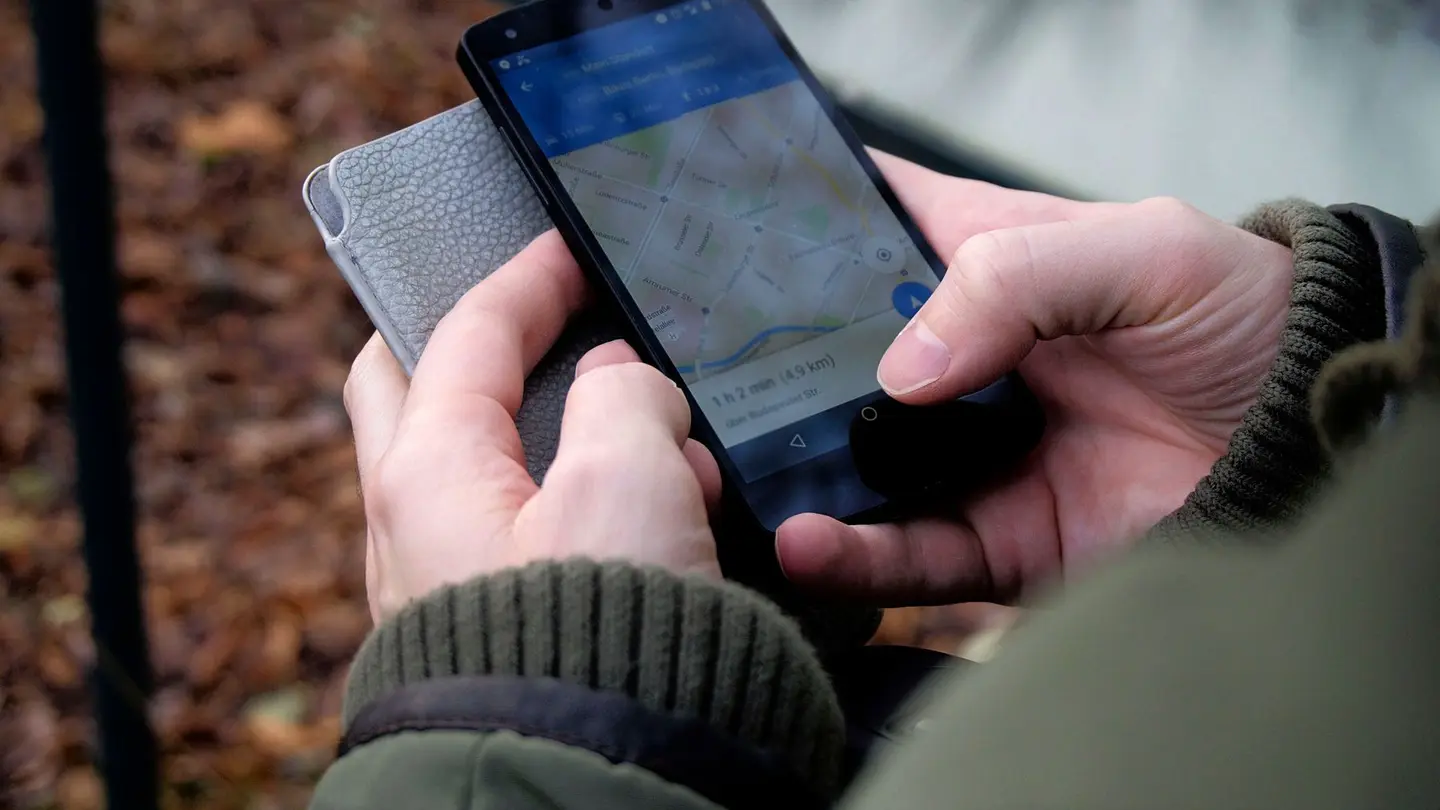
Grab your phone, open an incognito window and run these searches. Note down what you see:
- Your name: does your website come up first? Does your Google Business Profile appear on the right or at the top, with photos, opening hours and reviews?
- Your trade and your city (“electrician Badajoz”): do you show up on the map? And in the results below it? Who appears before you?
- Your trade and each town or neighbourhood where you work.
- The same question in ChatGPT or Gemini: “which electrician would you recommend in Badajoz?”.
- Your details: are your phone number, address and opening hours the same on your website, on Google, on Facebook and in directories?
- Your website on a phone: can you tell within five seconds what you do and how to get in touch?
The foundations: what has to be in place first
Three things, in this order. First, your Google Business Profile, verified and complete: it’s what appears on the map, and what brings in the most customers for a local business (how to show up on Google Maps). Second, your own website on your own domain, even a simple one, because it’s the only thing that’s entirely yours and it links everything else together (Google Business Profile or website). Third, the same details everywhere: identical name, address, phone number and opening hours.
 Keep readingHow to choose a business name you won’t regret
More visibility on Google
Google shows you more the clearer you make what you do and where. One page for each service, with its price or a “from” price, and one for each area where you genuinely work, each with what’s specific to that place rather than the same text with a different town name. And Google Search Console, which is free, to see which searches you appear for and which are worth working on. It’s all in how to rank your website on Google.
The maps that aren’t Google’s
iPhone users often search in Apple Maps, and Bing Places feeds Microsoft’s maps and some AI assistants. Signing up for Apple Business Connect and Bing Places is free, takes an afternoon and almost none of your competitors have done it.
Getting AI to recommend you
More and more people ask ChatGPT or Gemini instead of searching. For them to name you, your website has to be readable by their crawlers and say clearly what you do and where, and your details have to match everywhere. We explain it step by step in how to get your business recommended by ChatGPT.

Reviews: the presence you don’t control
Reviews are what most convinces people who don’t know you, and one of the things Google and AIs rely on most to decide who to show. Ask every happy customer for one, at the right moment and with the direct link, and reply to all of them, including the bad ones. How to ask for them is in how to get Google reviews, and how to reply in how to respond to Google reviews.
What helps from outside
Other websites mentioning you gives you direct visibility (their readers find you) and tells Google and AIs that you really exist. The easiest ones for a local business: the local traders’ or business association in your area, your professional association, directories for your sector, suppliers who showcase their customers, businesses you work with and the local press, which is always looking for local stories.
A thirty-day plan
If you’re starting from almost nothing today, this order gets results without overwhelming you:
- Week 1: a complete, verified Google Business Profile, with real photos and opening hours. The same details everywhere.
- Week 2: a website on your own domain, one page per service and the call, WhatsApp or booking button in plain view.
- Week 3: ask your last twenty customers for a review, and reply to the ones you already have. Sign up for Apple Business Connect and Bing Places.
- Week 4: register with Search Console and Bing Webmaster Tools, two directories for your sector and one post on the network where your customers are.
- From then on: one new page or article a month answering something you get asked, and repeat the twenty-minute check-up every three months.
With Agendra
With Agendra you get a website on your own domain, a page for each service and each town, structured data for Google and AI, registration in Search Console and a dashboard that tells you what your website and your Google Business Profile are missing. If you’d like a first snapshot of how yours is doing, you can audit it for free.
Frequently asked questions
What is a company’s online presence?
Everything someone finds when they look it up online: its website, its Google Maps listing, its reviews, its social media, the directories it appears in and what AIs say about it.
How can I tell whether my business is visible online?
On your phone, in incognito mode, search for your name and for your trade plus your city, on Google and on Google Maps, and ask ChatGPT about your trade in your area. Search Console also tells you which searches your website appears for.
Where do I start improving my business’s online presence?
With a verified, complete Google Business Profile, your own website on your own domain and the same contact details everywhere. After that come reviews, the other maps and social media.
Related pages
More articles

How to sell online: what to sell, where and how to start
Which products sell well at a distance, the three places to sell, what to have sorted before the first order and which tool suits each case.
Read the article →
How to create an online booking calendar for your business, step by step
Services with their duration, your hours, buffers between appointments, alerts and where to put the link so people book without calling you.
Read the article →
Lead generation: what it is, with examples for small businesses
What a lead is, how a small business gets them and what to check before buying leads or hiring an agency.
Read the article →Your website, live in minutes
Free until your first customer or 6 months · No card · No commitment · Live in minutes
Social media: few channels, kept alive
One network with recent posts is worth more than five abandoned ones: a profile whose last post is two years old makes people think the business has closed. Choose the network where your customers are (Instagram if what you do is visual, LinkedIn if you sell to businesses, Facebook if your customers are local and over forty) and post there consistently. On all of them, link to your website.