 6 October 2026
What a small business website should have
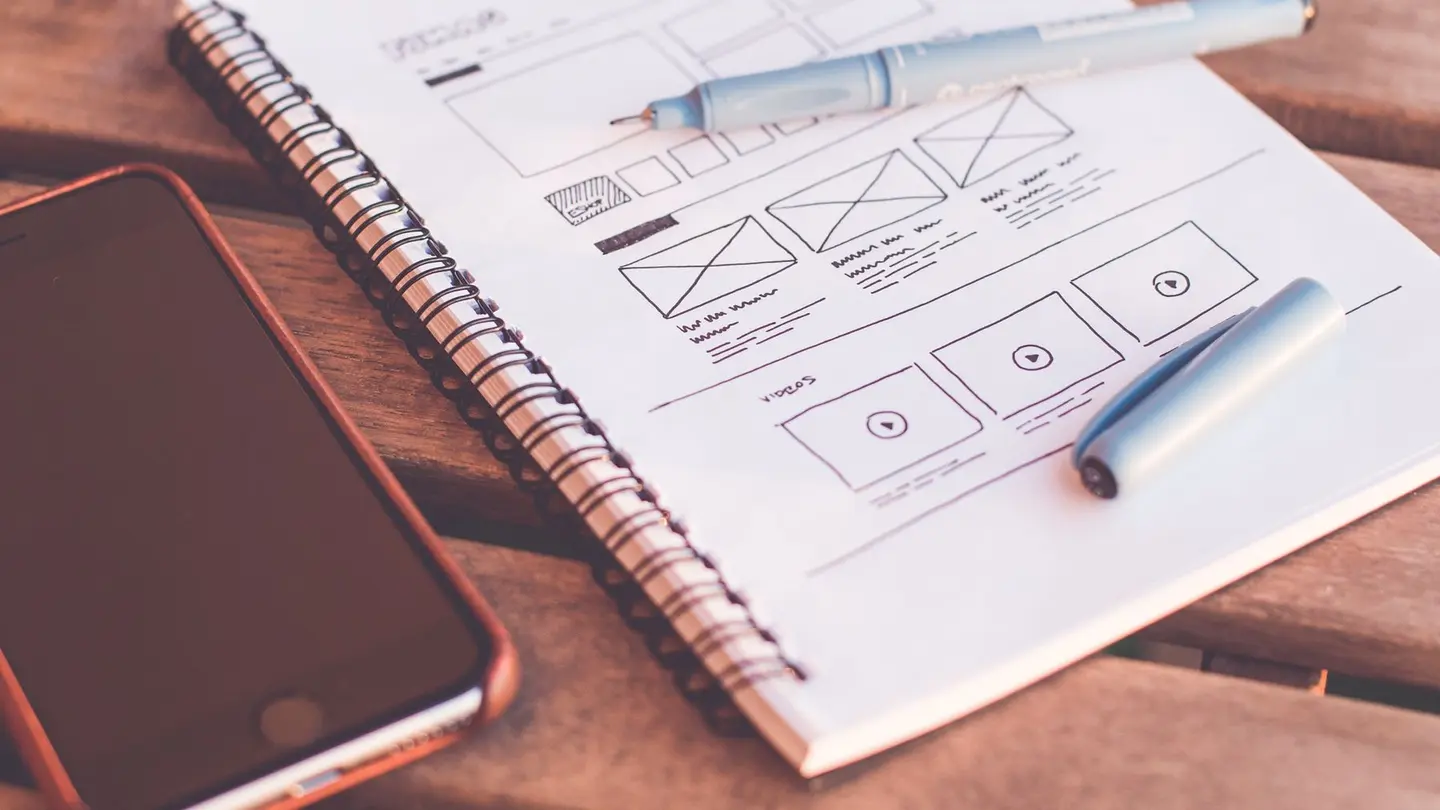
The structure of a business website, its parts and the key web design elements that help visitors understand what you do and message you or book.
What a website needs to succeed for a small business
For a small business, a successful website isn't the one that wins design awards: it is the one that lets visitors understand in a few seconds what you do, where and how much it costs, and book, ask for a quote or message you without searching. Everything else serves that.
Whoever visits your website asks themselves three questions, almost always in this order: is this what I'm looking for? Do I trust it? How do I ask for it? Every element of a web page should answer one of the three. If it answers none, it doesn't belong.
The short list of what can't be missing, whatever you pay, is already in how much a website costs for the self-employed. Here are the details: how it is arranged and what each part is for. And the opposite, the most common mistakes, in badly made websites.

Website structure: the pages that can’t be missing
The structure of a website is how the content is split into pages and how you move from one to another. A simple structure works well for a small business, with the same menu on every page and each link going to its own address —yourbusiness.es/services, yourbusiness.es/contact— rather than to a section of the home page: that way each page can show up on Google on its own and can be sent by WhatsApp to whoever asks.
These are the pages that can't be missing:
- Home: what you do, where, for whom, and the button for the main action.
- Services: a page for each one, with what it includes, how long it takes and its price or a starting price.
- About us: who will look after the customer, since when and how you work. It is the page people read when torn between two similar businesses.
- Contact: phone, WhatsApp, email, the address with its map, opening hours and a form.
- Blog: answers to what people ask you. Not compulsory, but it helps people find you.
- Areas: if you travel to customers, a page for each town where you really work.
- Legal notice and privacy policy, linked from the footer.
 Keep readingSEO for AI search (GEO): what it is and what changes for a small business
The parts of a web page, from top to bottom
Within each page the parts repeat, and the one that deserves the most work is the home page headline. “Plumber in Getafe, emergencies and repairs” tells visitors they have come to the right place; “Your trust, our commitment” tells them nothing, and Google neither.
These are the elements of a web page in the order they appear:
- Header: the name or logo, the menu and the button for the main action or the phone number.
- First screen: the headline with your trade and your town, a line below saying what sets you apart, and the button. It is the only part everyone sees.
- Body: the services, how you work, photos of finished jobs, reviews and FAQs.
- Closing: one last headline with the button, for whoever has read to the end and is already convinced.
- Footer: your full details, opening hours, links to the pages, social media and the legal texts.
Key web design elements that get people to contact you
The design of a business website isn't there to show off, but to make reading and acting effortless. A simple test: show the home page on a phone, for five seconds, to someone who doesn't know your business, and ask them what you do and how they would hire you. If they can't answer, the design is hiding the message.
On a small website, the key web design elements are few:
- A visible call-to-action button: in a colour that stands out from the rest and with text that says what happens when you press it, such as “Book an appointment” or “Ask for a quote”, not “Submit”.
- Large, high-contrast text and short left-aligned paragraphs, which are easier to read than centred ones.
- Real, well-lit photos: a few good ones are better than lots of mediocre ones.
- A colour of your own used sparingly, on buttons and details, not everywhere.
- Space between one block and the next, so each part reads on its own.
- Consistency: the same menu, the same buttons and the same font on every page.

Website features that build trust
Between two similar businesses, the one that seems more trustworthy wins. And that isn't achieved with made-up reviews or ones copied from another business: readers notice, and if they find out, you lose exactly what you wanted to gain. If you don't have reviews yet, it is better not to show any.
These are the website features that do build trust:
- Prices on display, or at least a starting price and what it depends on.
- Reviews from real customers, with their names, ideally ones that can be checked on your Google Business Profile.
- Photos of your team, your premises and your work, with before and after if your trade allows it.
- Complete details: address, phone, opening hours, your NIF (Spanish tax ID) in the legal notice and your professional registration number if your profession requires it.
- The padlock in the browser: the website on https.
- Signs of life: this year's opening hours, blog posts with their dates, your latest job.
The technical side you don’t see, but that counts
Some elements are invisible to the customer but not to Google. Without them, the best-written website may not show up anywhere:
- It reads on a phone without pinching to zoom or scrolling sideways.
- It loads fast: photos reduced before uploading.
- A different title and description on each page, which are what appear in the Google result.
- A single main headline (H1) per page.
- Alt text on photos, describing what can be seen.
- The sitemap and structured data, which tell Google what pages there are and what kind of business you are.
- Setting up Google Search Console, to know which searches people find you through.
 Keep readingWhy your small business needs a website (and when it doesn’t)
What a small business website can do without
What you leave out is just as important. All of this detracts:
- Phrases anyone could sign: “quality”, “professionalism”, “we are the leaders in our sector”.
- Photo carousels on the home page that slide on their own: hardly anyone waits to see the third one.
- “Under construction” pages or empty sections.
- Pop-ups that jump out as soon as you arrive asking for your email.
- Fifteen-field forms.
- Stock photos that aren't of your business.
- Links to all your social media at the top of the page, which take visitors away before they have asked you for anything.
A website with all of this, without building it piece by piece
If you would rather not build each part by hand, in Agendra the website is born with this structure: the same menu on every page, with Home, your services, About us, Contact and the blog when you write; the footer with your details and your social media; the legal notice and privacy policy with your business details; the WhatsApp button, and bookings, quote requests or the shop depending on your trade. The default headline starts with your trade, and the sitemap and structured data are added automatically. You choose from 36 designs and your colour, and change the copy and photos from the dashboard.
What each business adds is what sets it apart: its photos, its prices, its reviews and its way of telling its story. If your case needs something no template offers, a custom website makes sense. To see how they turn out, there are website examples by trade and real customers' websites.
Frequently asked questions
What parts should a business website have?
Home, a page per service, about us, contact with your address, opening hours and a form, and the legal notice and privacy policy. If it fits, a blog and a page for each area you work in.
What does a website need to be successful?
Visitors should understand in a few seconds what you do, where and how much it costs; trust you, thanks to real photos, reviews from real customers and your full details; and be able to book or message you without hunting for the button.
Is a legal notice compulsory on a business website?
Yes. In Spain, a business website has to identify its owner: name or company name, NIF (tax ID), address and email, plus the professional association and membership number if the profession is regulated. If it collects customer data, a privacy policy is also required.
See examples of business websites →
Related pages
More articles
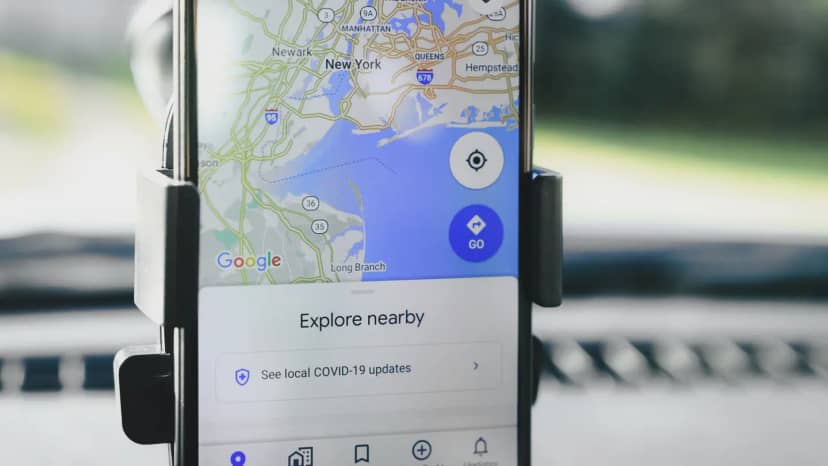
Google Business Profile: what it is and what it should include
What makes you show up on Google Maps with your hours, photos and reviews, and how to make the most of it alongside your website.
Read the article →
How to create an online booking calendar for your business, step by step
Services with their duration, your hours, buffers between appointments, alerts and where to put the link so people book without calling you.
Read the article →
How to create a website for your business, step by step
The steps in order, from deciding what the website is for to submitting it to Google, and the three ways to build it: WordPress, a website builder or an agency.
Read the article →Your website, live in minutes
Free until your first customer or 6 months · No card · No commitment · Live in minutes